
Storefront system · Stillwood
Your shop. Your backend. Nobody else’s.
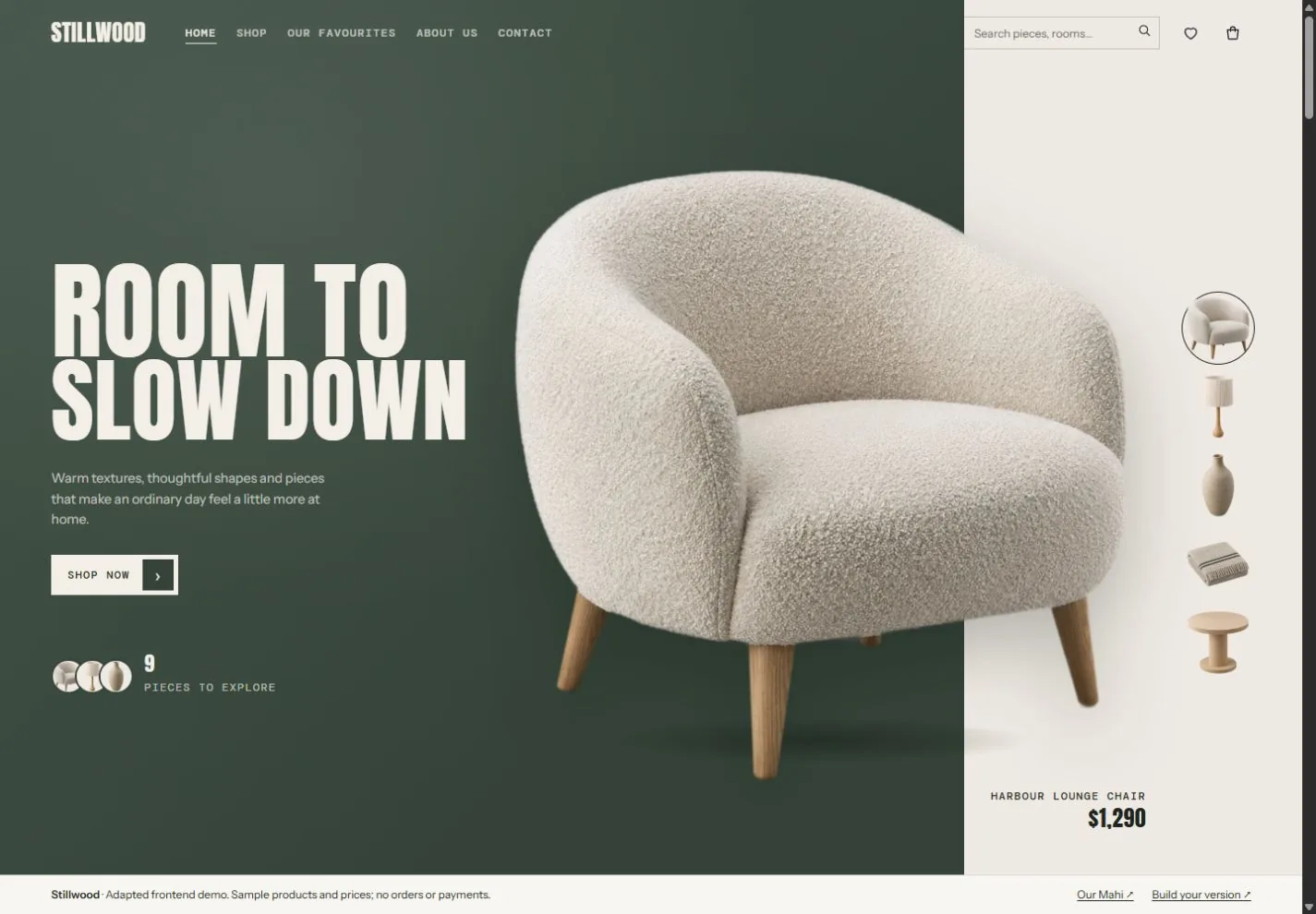
Most online shops rent the part that matters most: the admin where the orders, stock and customers live, and the checkout that can take a cut of every sale. Stillwood is a homeware store with its own backend, built around how the shop packs and ships, and owned by the shop.
Concept showcase · A fictional shop and fictional customers · Nothing is sent and no payment is taken
- Project
- Stillwood
- We built
- Storefront + Stillwood Studio, its backend
- Cut of your sales
- None
- Lives
- In the shop’s own hosting
What it solves
Run the shop, not the platform.
The backend of an online shop, built around how this one packs and ships, and owned by the shop.
What do I need to pack today?
Today opens on the orders to pack and the ones still waiting on payment.
Did an order just come in?
Orders land from the storefront within a second, highlighted, with the customer and what they bought.
Are we running low?
Every sale takes stock off the count. Low stock shows before it runs out, and the supplier email is drafted.
Has it gone out?
Paid, packed, shipped: the packing slip, courier label and the customer’s tracking email, step by step.
Who are my customers?
Your own customer list with every order and what they’ve spent, exported whenever you like.
Am I paying a cut?
No cut of your sales, to us or anyone else. The data lives in the shop’s own hosting.
01 · The pain
Three tabs open to send one parcel.
A good-looking shop is the easy part. Behind it, the owner is copying orders into a courier site, counting stock on a spreadsheet because the numbers don’t match the shelf, and finding out something sold out when a customer emails.
- A platform fee every month, and an extra cut of each sale for using your own payment provider.
- Stock that doesn’t match the shelf, and reorders done from memory.
- A customer list you can export, but on the platform’s terms.
- An app from the app store for every gap, each with its own monthly fee.
The brief One backend we own. See what to pack today, keep stock honest, and let the repeat jobs run themselves.
02 · Follow an order
From basket to doorstep, live.
The phone is the storefront. The desk is Stillwood Studio, the shop’s own backend. Press each step and watch the order move through the business. Both are running live in your browser.
- 1
A customer orders
Checkout on the storefront places the order and takes the stock off the shelf count. If a piece drops below its reorder point, the supplier email is drafted.
- 2
It lands on your desk
Within a second the order is in Studio, highlighted, with the customer and the lines. Mark it paid and it joins today’s packing list.
- 3
Pack it
The packing slip prints from the order, with every line and the delivery address.
- 4
Ship it
A courier label and tracking number are attached, and the customer’s tracking email is drafted.
What just happened
03 · What Studio does
Six screens. One shop.
Today
Opens on what needs you: orders to pack, orders waiting on payment, low stock, this week’s sales and the latest automation runs.
Orders
Every order from new to paid to packed to shipped, with a printable packing slip, a courier label and the full history of who did what.
Products and stock
Variants, stock levels and reorder points you set. Every sale takes stock off, and low stock shows before it runs out.
Customers
Your customer list with their orders and spend, exported to a spreadsheet whenever you like.
Automations
Plain rules with an on/off switch and a run log: draft the reorder email, build the packing list, send tracking, sum up the week.
Your data
Where it lives, who can see it, and one button to export everything. No cut of your sales, to us or anyone else.
The system behind it
More than a shop. A system they own.
- The job it replaces
- A platform admin, a courier website, a stock spreadsheet and a handful of paid add-ons.
- The data and rules
- Products and variants with reorder points, orders with every status change, customers, and the shop’s own automation rules.
- What runs on its own
- Confirmations, the packing list, reorder emails when stock drops, tracking emails, and a weekly sales summary.
- Where it lives
- In the shop’s own hosting account. In this demo, everything stays in your browser.
How it compares
Shopify rents you a shop. This one is yours.
Most small shops start on a platform. Here’s how that compares with a backend the shop owns.
| Shopify Basic | Shopify Grow | Stillwood Studio | |
|---|---|---|---|
| Monthly price | US$39, or US$29 a month billed yearly | US$105 | No cut of your sales. Hosting, plus a monthly care plan if we look after it. |
| Using your own payment provider | An extra 2% of each sale | An extra 1% of each sale | No extra cut from us |
| Admin and checkout | Shopify’s, the same for every shop | Shopify’s, the same for every shop | Yours, built around how you pack and ship |
| Customer data | Export to CSV. Customer passwords can’t be moved. | As Basic | Your own database. Export everything, any time. |
| Filling the gaps | Built-in tools, plus paid apps | Built-in tools, plus paid apps | Rules written for your shop, with a run log |
Fair to say Shopify is excellent for getting a shop live in a weekend, with themes, payments and an app for almost everything. If that’s what you need, use it. A backend of your own makes sense when the platform’s way of working costs you hours, fees or control.
Prices in USD from shopify.com/nz/pricing, and customer export limits from Shopify Help, checked October 2026. Stillwood is a fictional shop.
What would your shop’s backend need to do?
Tell us how orders, stock and shipping work in your business, and where the hours go. We’ll show you what a backend of your own would look like.
It’s yours. No one else owns it.