
Skincare website · Bloom
Make everyday feel considered.
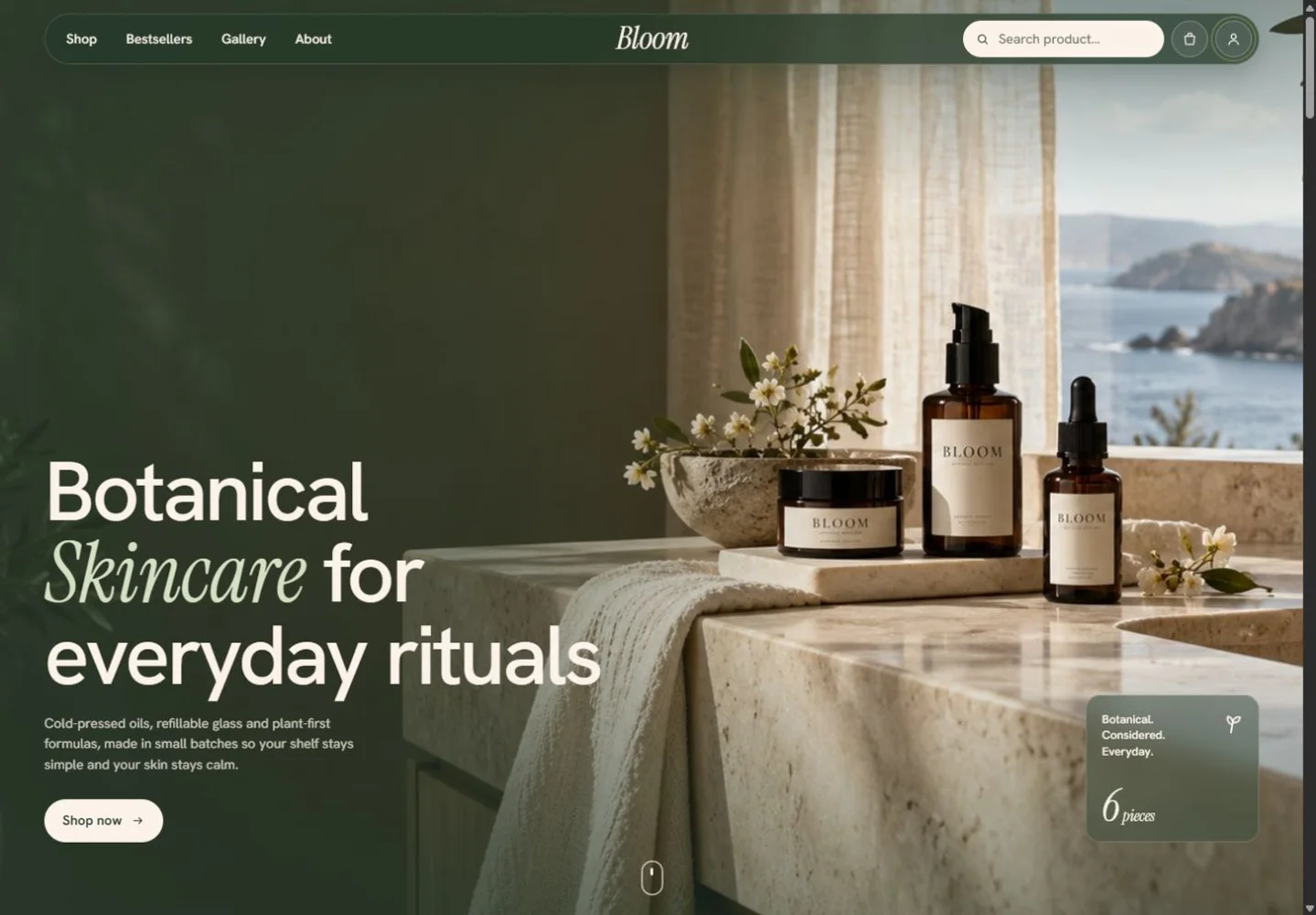
A botanical storefront with a calm identity, original product photography and a considered path from browsing to bag. Explore variants, everyday rituals and the little details that give a brand its own rhythm.
Concept showcase · Sample content
- Project
- Bloom
- Experience
- Skincare website
- Features
- Storefront with variants and bag, plus the back office behind it
- Platforms
- Responsive website
The experience
Let people get a feel for it.
Choose a scent or size, explore the collection and add pieces to the bag. Responsive layouts, gallery movement and a restrained botanical palette carry the same identity throughout.
- Skincare website
- Product variants
- Shopping bag
- Responsive layouts, keyboard controls and reduced-motion support.
The system behind it
The back office behind the storefront.
The storefront is what customers see. This is what the owner runs it from: revenue, the order pipeline from new to delivered, stock against its par level, suppliers, stockists and the team. Receive a delivery and the numbers move everywhere at once. Anything you change stays in your browser.
- What the owner sees first
- Revenue for the last 30 days, orders, what’s running low and the order pipeline.
- Stock against par
- Every product has the level it should never drop below. Fall under it and it’s flagged and listed to reorder.
- Suppliers and stockists
- Lead times, on-time rates and open purchase orders; what each stockist buys and when they last ordered.
- Who can do what
- Owners, managers and packers each see and change only what their role allows.
Does your business need this?
Where do your orders and stock get stuck?
Retyped orders, stock you only notice once it’s gone, suppliers chased by email. Find out where the hours go in your back office.
Seven quick questions. You see your first answer before we ask for an email.
Your version
The next step is shaped around your business.
A commissioned version needs the product records, variant rules, customer journeys and payment or fulfilment connections that fit your business. We agree what your team needs to manage and what should happen after a customer makes a choice. Already have systems in place? Here’s how we connect existing business systems.
This showcase explores the frontend experience using sample content. Production data connections, shared user access and other backend services for your version are scoped separately.
What should happen beyond the product page?
Tell us what your customers need to do and how the business handles the next step. We’ll explore the workflow and connections behind it.